30 Days to Design System
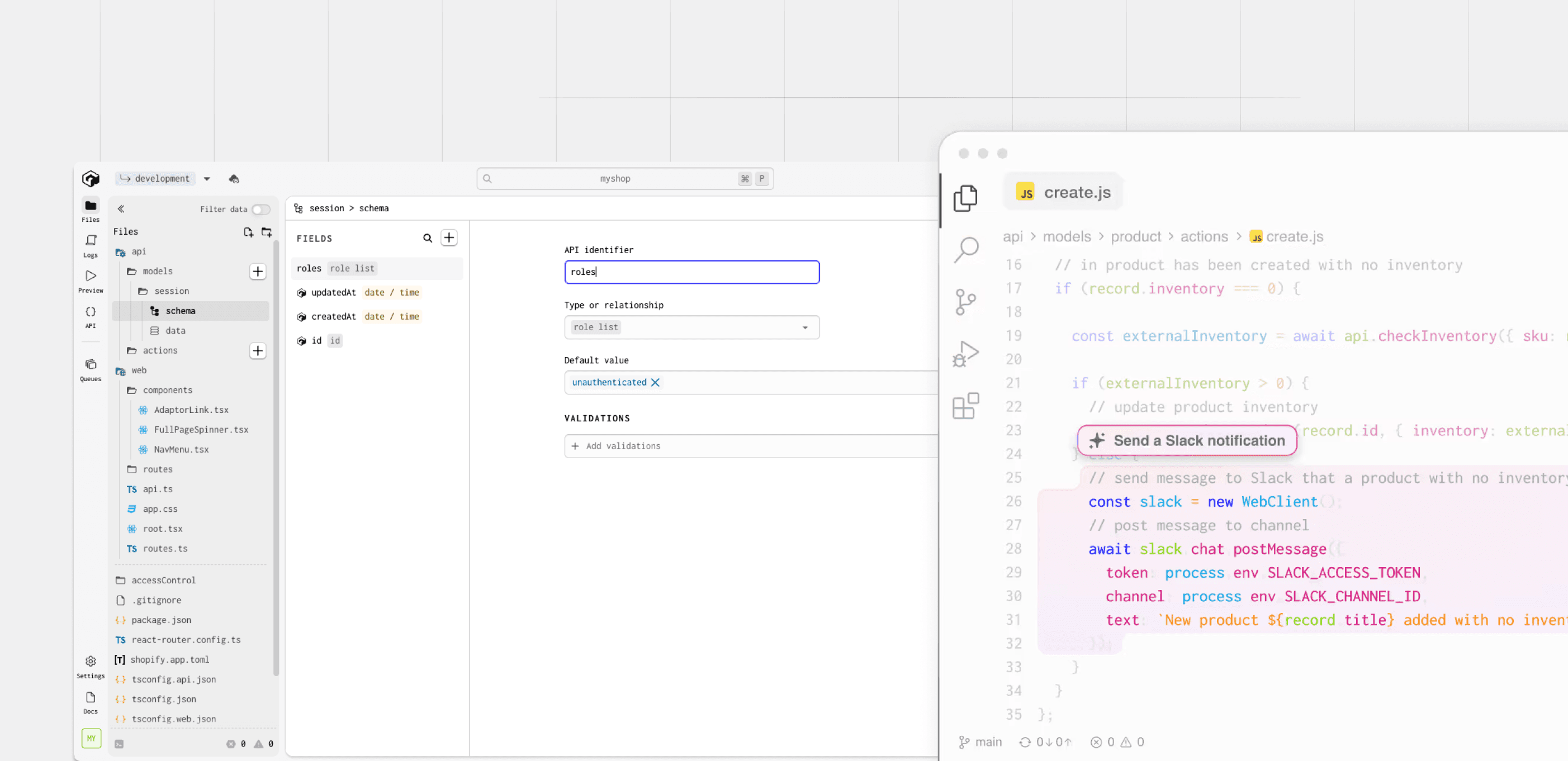
Gadget, a serverless JavaScript platform for web app development, was moving fast like most startups. The sole designer had created over 30 Figma files while shipping the MVP. Prototypes were in production, features were live, but there was no design system. The result was inconsistent styling, disorganized files, and a cumbersome update process.
My task was clear: sift through the existing files, establish a solid design system, and set up a process that would improve consistency and efficiency. With more developers and designers joining soon, we had 30 days to get it right.
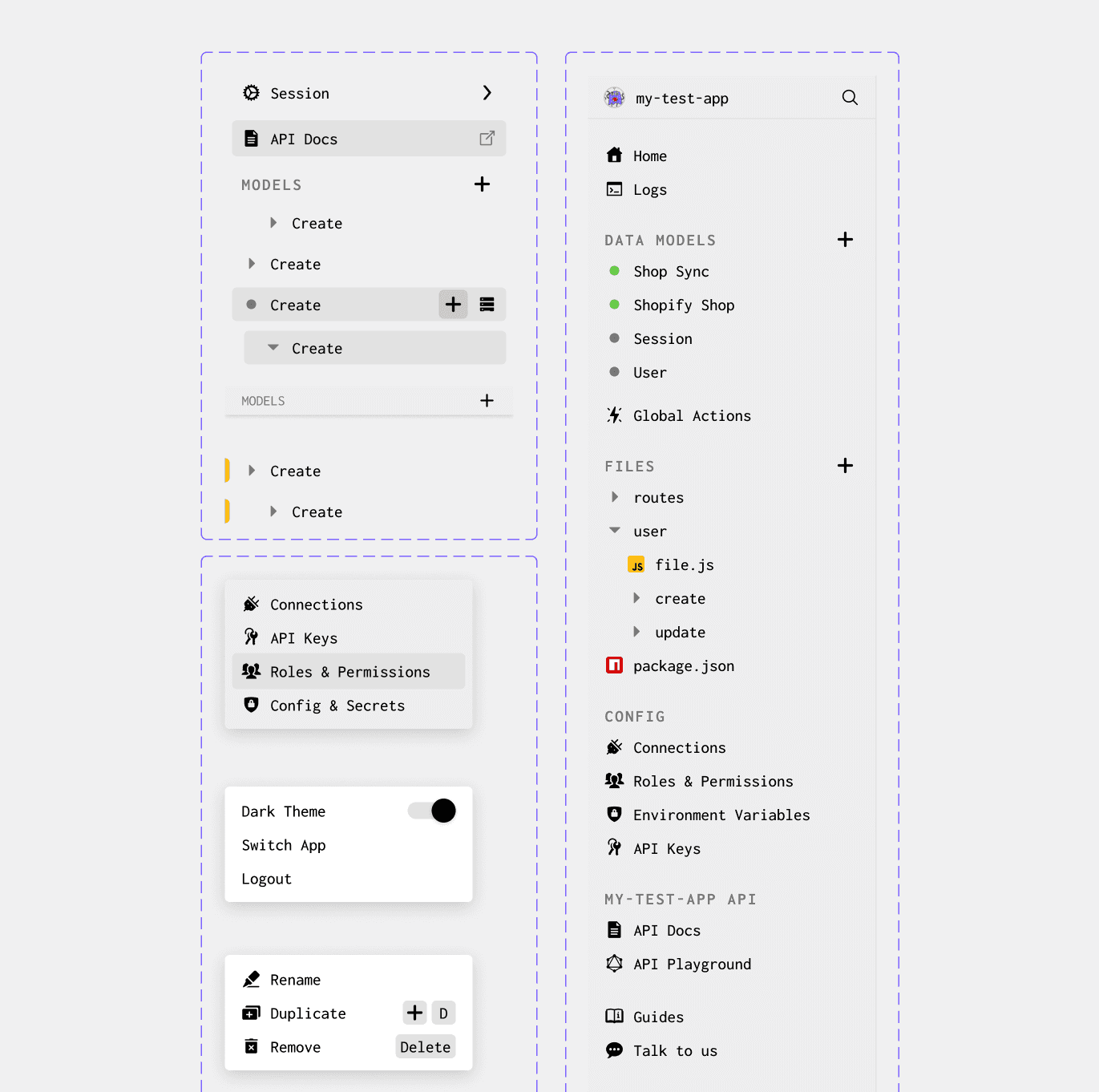
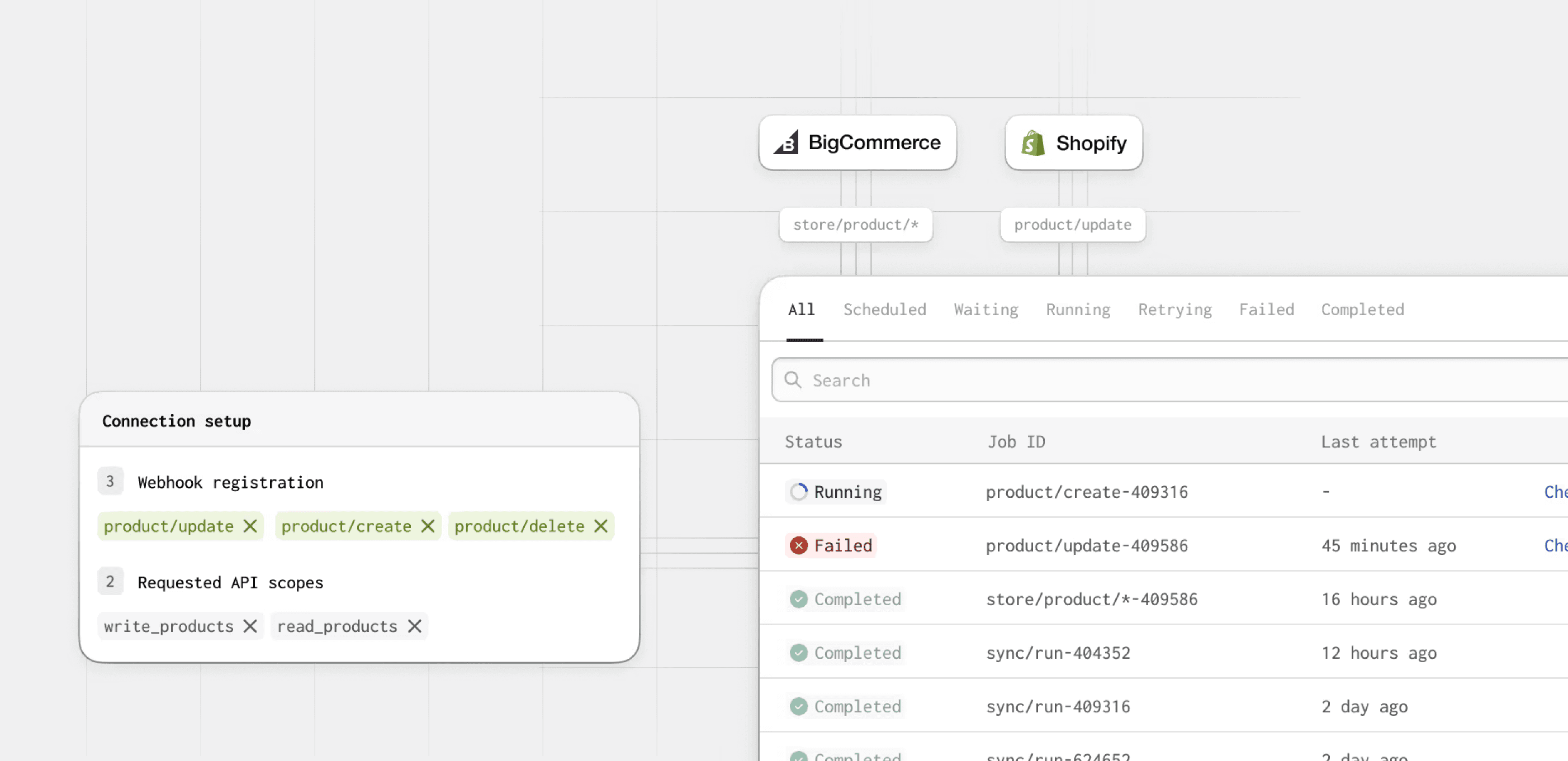
I started with an audit, reviewing over 30 Figma files to identify inconsistencies and map out what needed standardizing. After stakeholder meetings to document pain points, I outlined the design system's core structure including components, typography, color, and spacing guidelines.
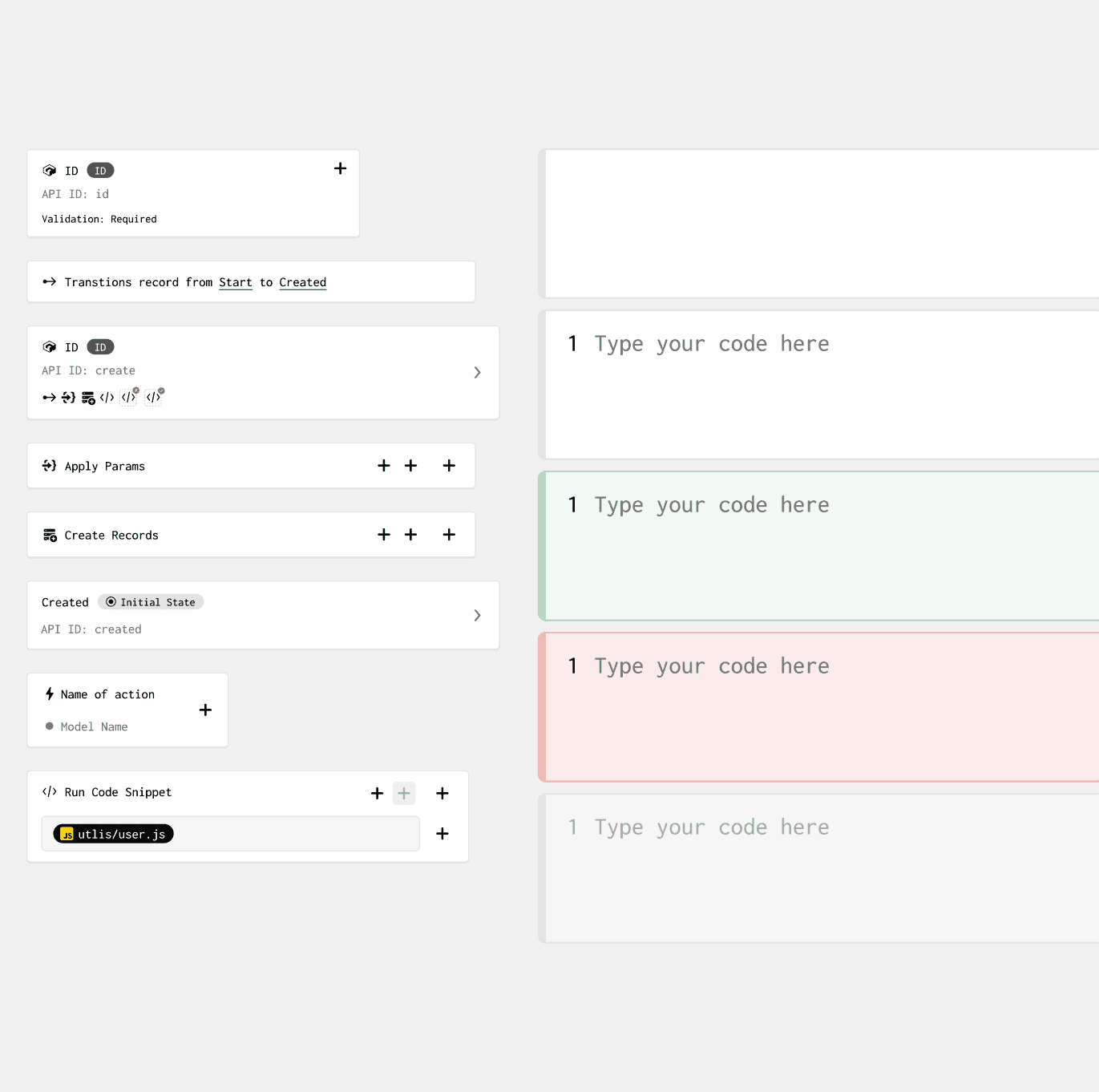
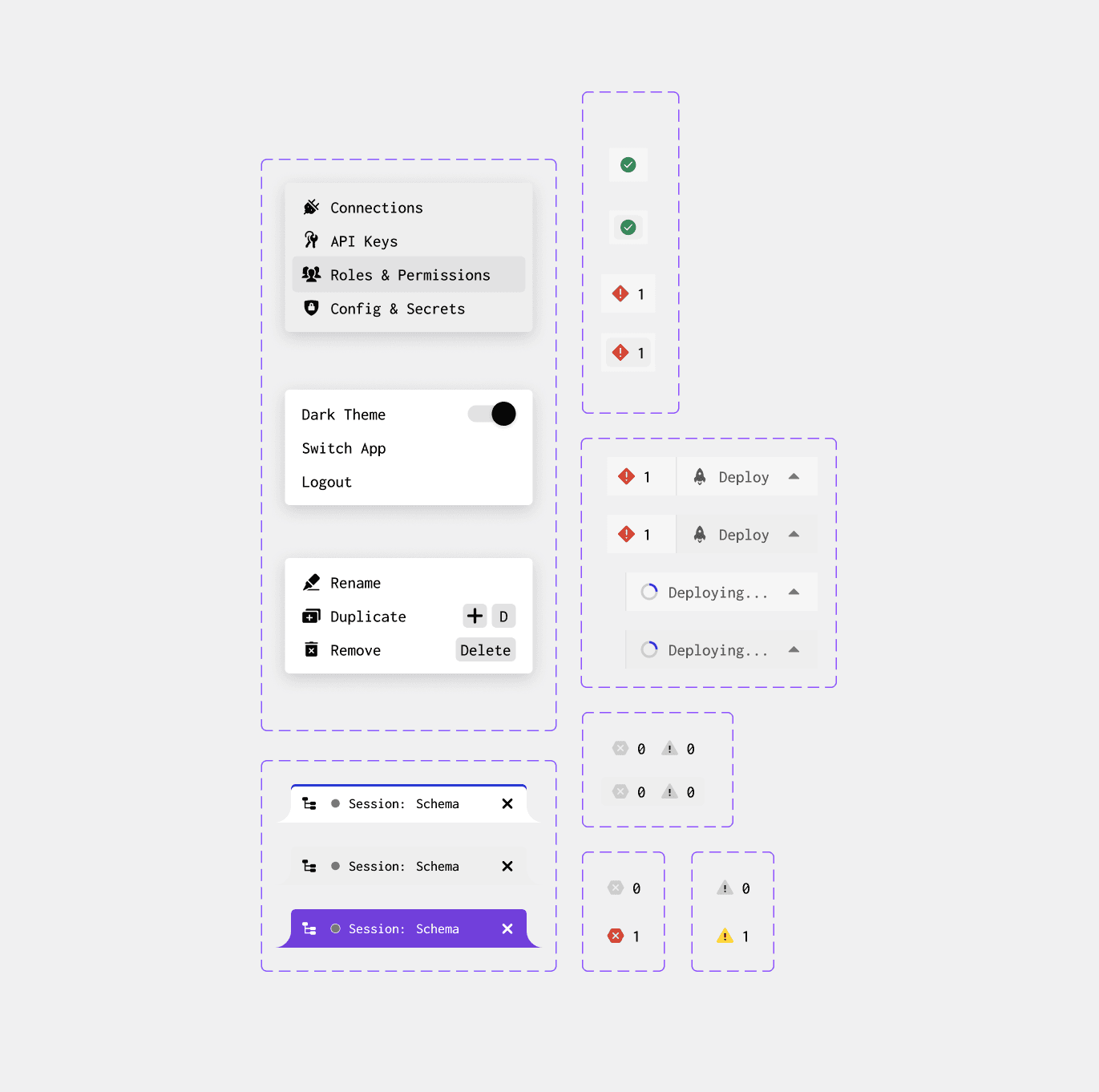
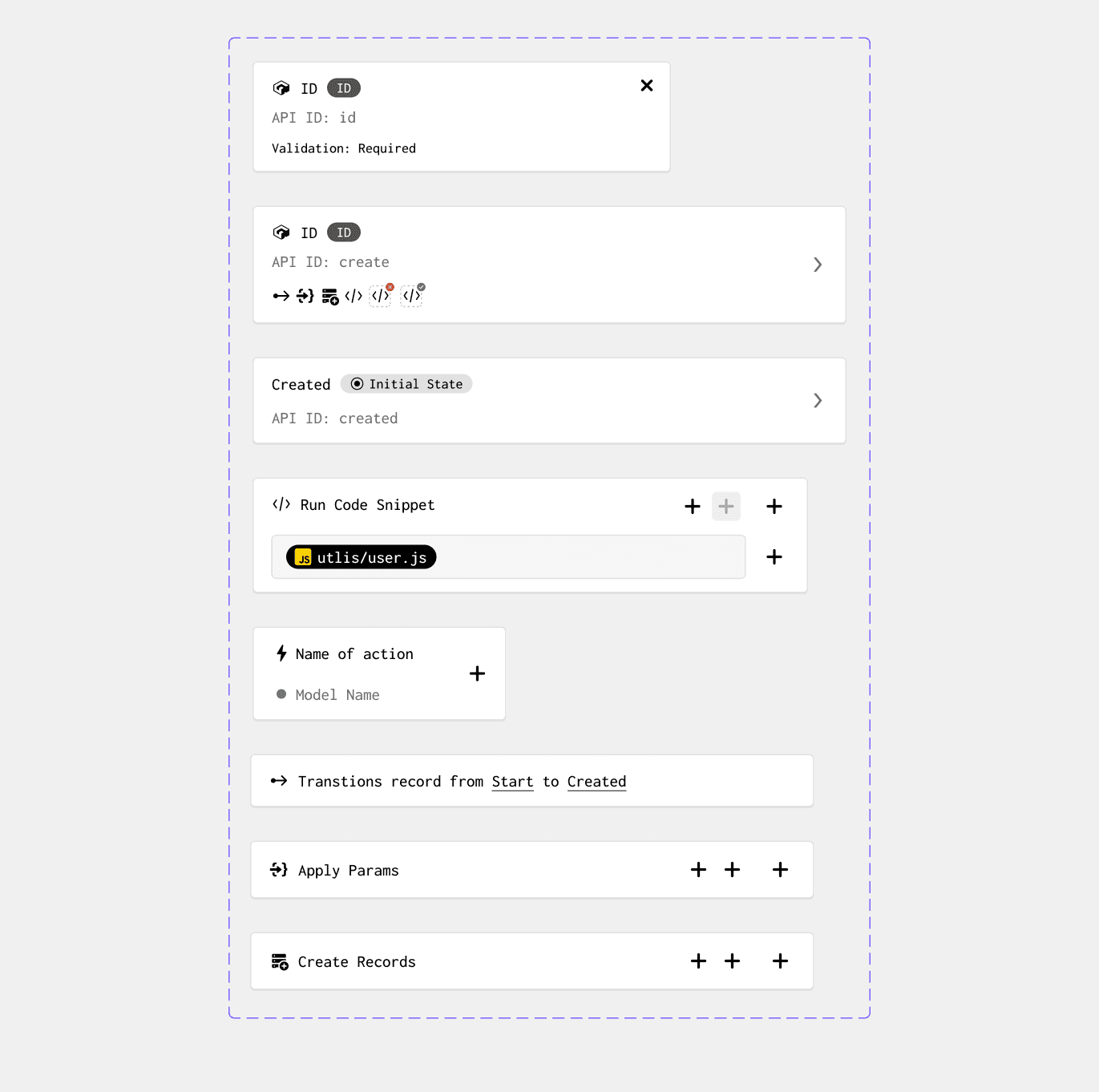
The foundation work focused on organizing files, establishing templates, and creating core components like icons, buttons, and form fields. Everything was rebuilt using Auto Layout to ensure components were responsive and scalable. A key challenge was moving components without breaking connections. Using Figma's cut and paste method retained component links, allowing me to reorganize files without disrupting existing work.
Before wrapping up, I conducted live workshops on Figma workflows, teaching the team how to use branches, approve library updates, and maintain component hygiene.